
Connect Coding Agents to an OpenAI-Compatible API
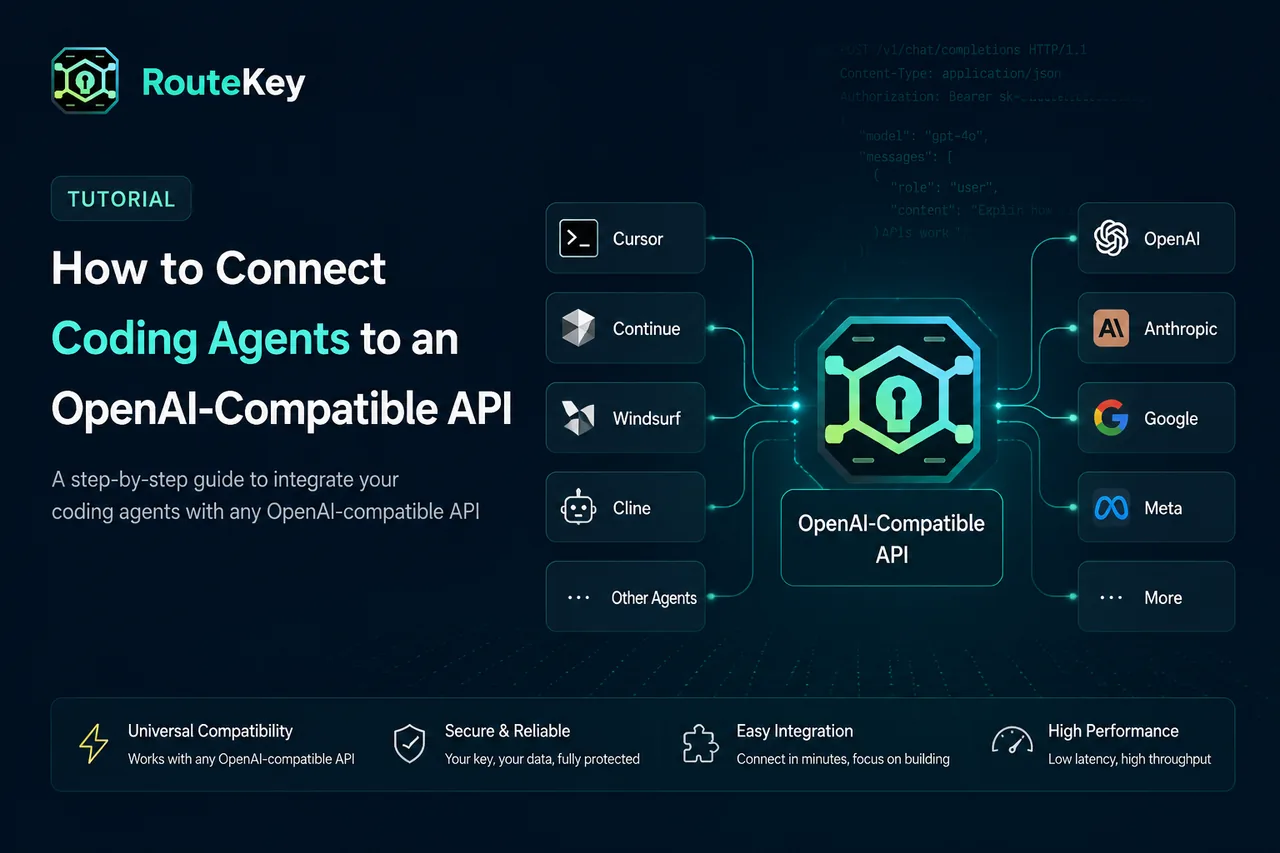
Coding agents usually need three configuration values: a base URL, an API key, and a model ID. If the tool accepts an OpenAI-compatible endpoint, you can connect it to Route Key without changing the agent's request format. The important work is keeping credentials isolated, selecting an enabled model, and verifying the first request.
Create a dedicated key
Create one Route Key API key for each coding agent or workspace. A dedicated key makes Usage Logs readable and lets you rotate one tool without breaking another. Store the key in the tool's secret configuration or an environment variable. Do not place it in a repository, shell history that is shared with a team, or a public issue.
Use the integration guide to open the setup profile for Codex, Claude Code, Gemini CLI, or Cursor. The guide includes install commands and configuration examples that use the public Route Key API base URL.
Set the compatible base URL
The API base URL is the gateway address with the /v1 path expected by OpenAI-compatible clients. Do not add a second /v1 if the tool already appends the path. If a tool has separate fields for host and path, follow that tool's convention and send a small request before changing other settings.
The authorization value should be a Bearer token. Keep the key in the secret field rather than placing it directly in a checked-in configuration file. Restart the agent after changing environment variables so the process loads the new value.
Choose an exact model ID
Open the Models catalog and copy an enabled model ID. Provider display names and API IDs are not always identical. Check the model's endpoint and group availability as well. A model can be visible in a catalog but unavailable to a particular account group or request type.
Start with one model that matches the agent's workload. Coding agents often need tool calling, structured output, a large context window, and predictable latency. Compare those capabilities before choosing only by token price.
Verify the first agent request
Ask the agent to perform a small, reversible task such as explaining a file or writing a short test. Confirm that the response completes, tool calls are handled, and the model name in the response matches the intended configuration. Then inspect Usage Logs for token counts, latency, cost, and any retries.
If the request fails with 401 or 403, check the key, Bearer prefix, and base URL. If the model is unavailable, copy the exact ID from Models. If the agent sends a request format the endpoint does not support, start with a basic chat request and add tools or streaming one feature at a time.
Keep agent environments separate
Use separate keys and environment files for personal experiments, CI, and production automation. Give each key the smallest balance or quota appropriate for its role. When an agent is no longer used, revoke its key instead of leaving credentials in an old workstation.
Validate tools and long-running tasks
A basic chat response does not prove that an agent workflow is fully compatible. Test file reads, edits, command execution, tool arguments, structured responses, streaming, and cancellation separately. Watch for a tool call that is syntactically valid but does not match the agent's expected schema. Keep the first edit reversible and review the diff before allowing a larger autonomous task.
Long-running agents can consume far more output and tool context than a short prompt. Set practical output limits, avoid attaching an entire repository when a focused file list is enough, and inspect the token count after each trial. If the agent retries the same step, stop the loop and investigate rather than increasing the budget.
Add a rotation and incident routine
Document which workspace owns each key and who can rotate it. A routine rotation should update the secret, restart the process, verify one request, and revoke the old key only after the new one succeeds. If a key is exposed, revoke it first, create a replacement, and review Usage Logs for unexpected model calls or spend.
For CI, make the secret available only to the job that needs it and avoid printing the environment. For local tools, prefer the operating system keychain or the agent's protected secret store over a plaintext project file.
FAQ
Can every coding agent use the same configuration?
No. The base URL and Bearer token are common, but each tool names its environment variables and model field differently. Use the tool-specific profile in the integration guide.
Why does the agent still call the old provider?
Restart the process and check its effective environment. Some desktop tools cache provider settings or use a workspace-level configuration that overrides the shell environment.
Where can I learn the request format?
Use the Route Key developer docs for compatible request examples and the integration guide for coding-agent setup.