
Reduce AI API Costs with Prompt Caching and Routing
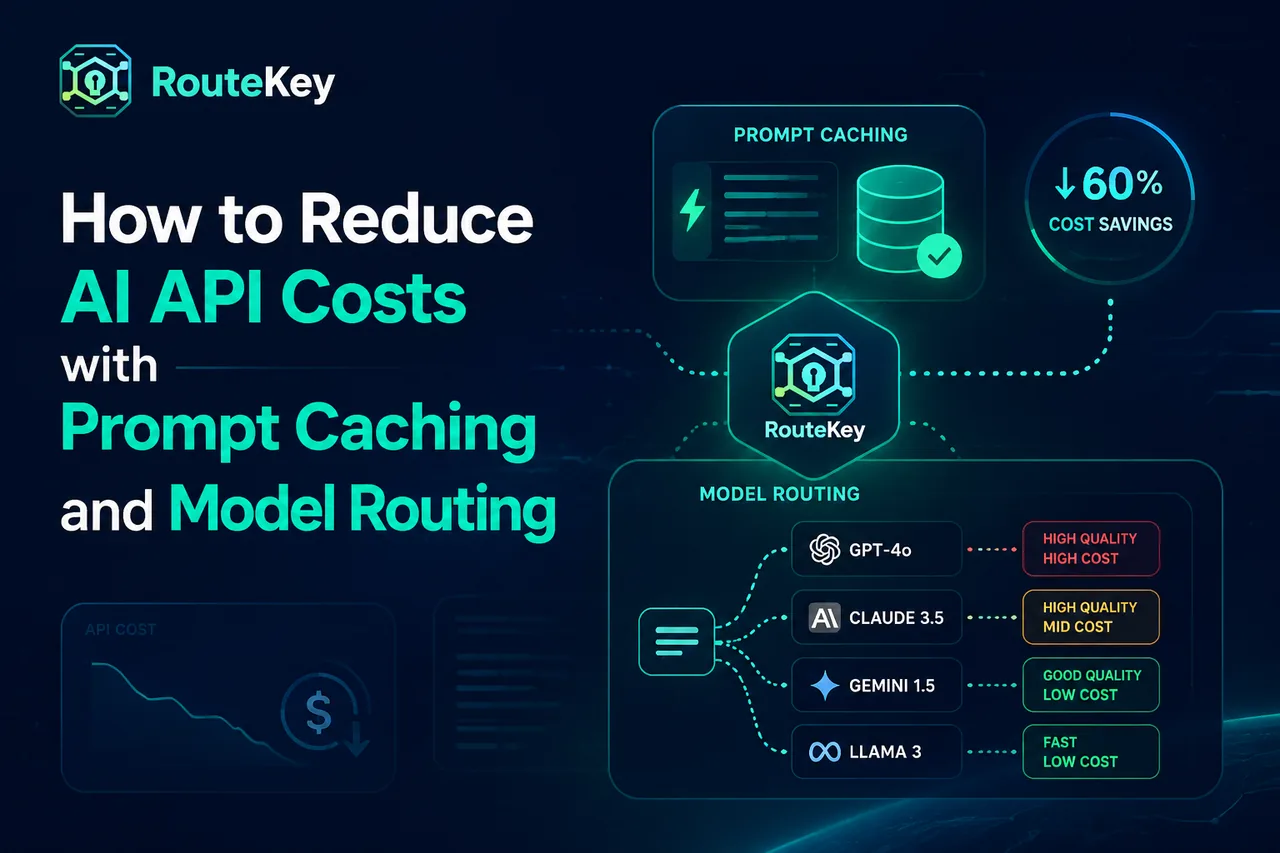
AI API bills usually grow for two reasons: the application sends more tokens than the team expects, or every request is routed to the most expensive model. The fix is not to make every response shorter. A better approach is to measure the request shape, reuse stable context, and route each task to a model that meets its quality requirement.
Start with a real cost baseline
Before changing a prompt or model, record input tokens, output tokens, cache tokens, request count, model, endpoint, and latency for a representative period. A model with a low input price can still be expensive if it generates long answers or retries often. Usage Logs should be the source of truth for your baseline rather than an estimate based only on a provider price page.
The Route Key Models catalog is useful for comparing input, output, cache, group, and endpoint signals in one view. Keep the date and model ID beside your baseline because providers can change aliases and pricing.
Remove unnecessary prompt tokens
Token reduction is often the fastest saving. Trim repeated instructions, send only the document sections needed for a task, and avoid including the full conversation when a short summary is sufficient. Structured prompts also make it easier to identify which part of a request is growing.
Do not remove information blindly. A shorter prompt that causes a retry, a tool call, or a correction can cost more than the original request. Compare end-to-end task cost, not just the first completion.
Reuse stable context with caching
Many applications send a large system prompt, policy, or product catalog on every request. If your provider and endpoint support prompt caching, put stable context before the changing user input and keep its formatting consistent. Cache hits can reduce the effective price of repeated input, but they are not guaranteed. Measure cache-read and cache-write behavior in production traffic.
Caching is most useful for coding assistants, support agents with a fixed policy, and long-lived workflows. It is less useful when every request has a completely different context or when the cache lifetime is shorter than the user session.
Route simple tasks to smaller models
Classify requests by the capability they need. Summaries, extraction, routing decisions, and short transformations often do not need the same model used for complex reasoning or code generation. A two-stage pattern can work well: a lower-cost model handles classification, and only difficult cases go to a flagship model.
Keep the fallback explicit. If a smaller model fails a confidence check, send the same task to a stronger model instead of silently returning a poor answer. This protects quality while still reducing the average cost.
Use model routing as a policy
Model routing should consider more than price. Include health, latency, context window, modality, and rate limits in the policy. Route Key keeps the request shape compatible while the gateway selects an enabled model and channel, which lets you test a new route without rewriting application code.
Start with a narrow policy: one default model, one lower-cost alternative, and one fallback. Compare the three routes using the same prompt set. Increase traffic only after quality, latency, and cost are stable.
Set token and retry budgets
An output limit is a budget, not a guarantee. Set a sensible maximum for each task and stop retries that cannot improve the result. Exponential backoff prevents a temporary upstream error from becoming a burst of duplicate paid requests. Record retry counts so they appear in the same cost review as token usage.
A simple weekly review
Review the top models by spend, the tasks with the longest outputs, cache-hit rate, retry rate, and cost per successful task. Then make one controlled change and compare the next period with the baseline. The developer docs explain the compatible request shape, and the integration guide shows how to test a route before production rollout.
Keep the review actionable. Assign an owner to the largest cost center, define the expected saving, and record a quality guardrail before changing production traffic. If the change saves tokens but increases failed tasks or support tickets, restore the previous route and examine the prompt or model fit again.
FAQ
Does a cheaper model always reduce my bill?
No. A cheaper model can generate longer answers, require more retries, or fail a task that then needs a second model. Evaluate cost per successful task.
Should I cache every prompt?
No. Cache stable, repeated context and measure hit behavior. Dynamic context with a short lifetime may not benefit.
What is the safest first routing change?
Keep the existing model as the default, send a small percentage of eligible traffic to one lower-cost model, and compare quality, latency, retries, and Usage Logs before expanding the share.