OpenAI-Compatible API Migration Guide
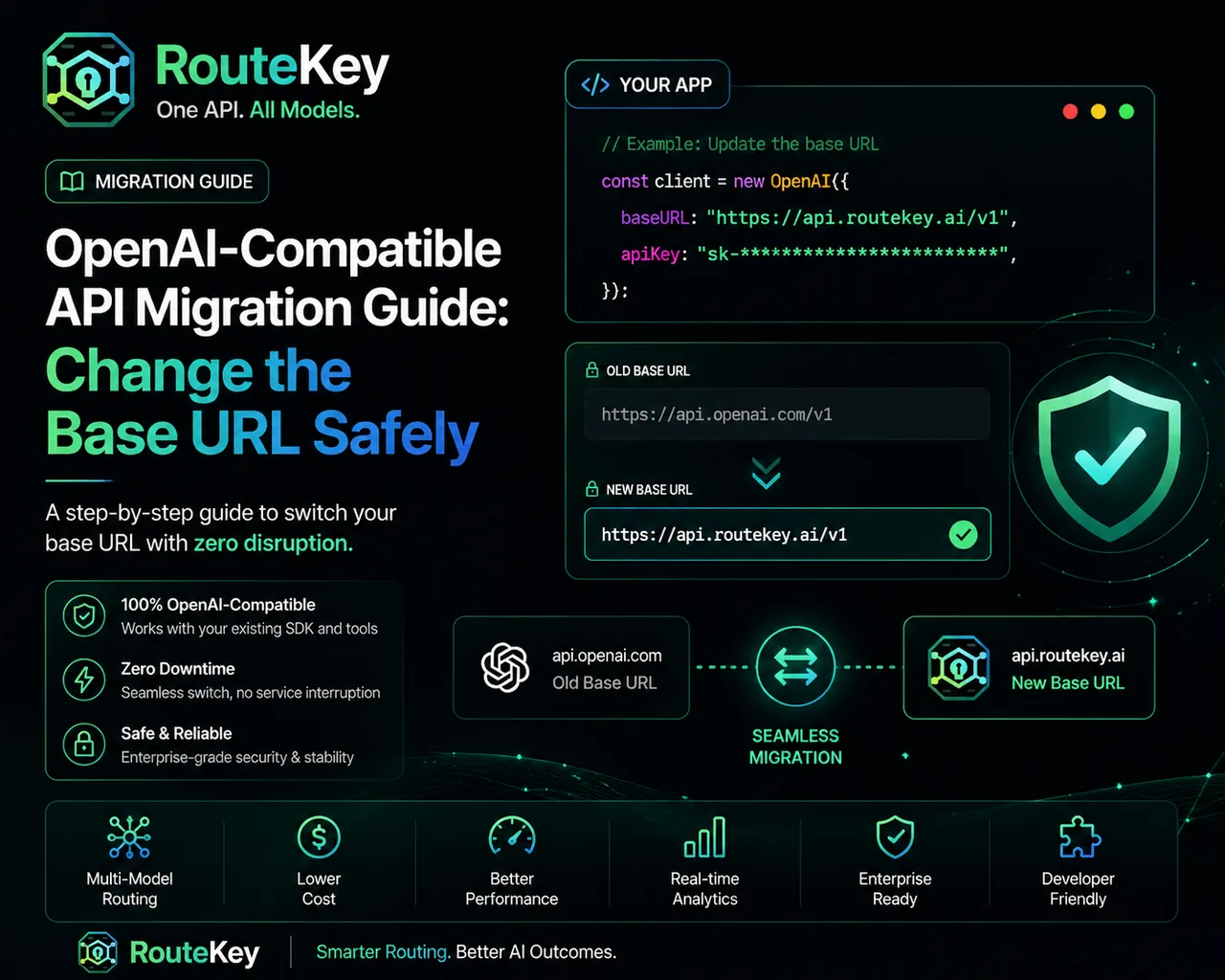
An OpenAI-compatible API migration should be a configuration change with a measurable test, not a rewrite of your application. The safest path is to preserve the SDK request shape, change the base URL in one environment, create a separate key, and compare responses and Usage Logs before moving more traffic.
Inventory the current integration
List the SDK version, base URL, authentication header, model IDs, streaming behavior, tool calls, structured output, image or audio inputs, timeout, retry policy, and token limits. This inventory tells you which features need a compatibility test and prevents a hidden provider-specific option from being missed.
The Route Key developer docs describe the supported request shape. Keep the current provider configuration available so you can make a quick rollback without changing application code.
Change one environment first
Create a dedicated Route Key API key for a development or staging environment. Set the compatible base URL, usually the Route Key host plus /v1, and keep the model field explicit. Do not change model, prompt, retry, and timeout settings in the same commit. One variable at a time makes a failed comparison useful.
Use an environment variable for the base URL so a deployment can switch between providers without rebuilding business logic. Keep the key out of source control and rotate it if it is exposed.
Send a deterministic test request
Use a small prompt with a predictable output. Test a normal response first, then streaming, tool calls, structured output, and multimodal inputs if your application depends on them. Record HTTP status, response shape, finish reason, latency, token counts, and cost.
The integration guide contains a first-request example and explains the three values every client needs. Start with a model ID listed as enabled in the Models catalog.
Compare behavior, not only status codes
A 200 response is necessary but not sufficient. Compare whether the answer completes the task, whether JSON remains valid, whether tool arguments match your schema, and whether streaming terminates correctly. A cheaper route that causes a downstream retry can increase total cost and latency.
Inspect Usage Logs for the selected model, group ratio, endpoint, input and output tokens, and retries. Use the same request set for the old and new route so the comparison is fair.
Roll out with a small share
After staging passes, send a small percentage of production requests to the new route. Keep the old route available as a fallback and define a rollback signal such as elevated error rate, invalid structured output, latency regression, or unexpected cost. Increase traffic in steps rather than switching every user at once.
Update observability before cutover
Add the selected model, endpoint, request ID, latency, input tokens, output tokens, cache tokens, retry count, and final status to your normal monitoring. Do not log the API key or sensitive prompt content. A route label makes it possible to compare the old and new traffic during a partial rollout.
Review both technical and product signals. HTTP success can rise while answer acceptance falls, or cost can fall while support escalations increase. Define the few signals that decide whether the rollout advances, holds, or rolls back.
Use a cutover checklist
Before raising traffic, confirm that secrets are stored correctly, timeouts and retries are bounded, the fallback has been exercised, billing alerts are active, and the on-call owner knows the rollback switch. Confirm that every required endpoint—not only chat completion—has passed its test set.
After cutover, keep the old configuration for a defined observation window rather than deleting it immediately. When the new route is stable, revoke unused keys and remove obsolete provider-specific options so future developers do not accidentally restore a partially compatible configuration.
Common migration problems
401 errors usually mean the Bearer token or base URL is wrong. Model errors often mean the provider name was used instead of the exact enabled model ID. A 404 can mean the client appended /v1 twice. Streaming issues may come from a client-specific parser, so test a non-streaming response before debugging the stream.
FAQ
Do I need to rewrite my OpenAI SDK code?
Usually no. Set the base URL and API key using the SDK's normal configuration, then test the endpoints and features your application uses.
How do I roll back?
Keep the previous base URL and key configuration available as an environment-level switch. Roll back when a defined quality, reliability, or cost threshold is exceeded.
Can migration also reduce cost?
It can, when the compatible gateway gives you more routing choices or a healthier channel. Measure cost per successful task and keep model capability constant during the first comparison.