
GPT vs Claude vs Gemini API Pricing
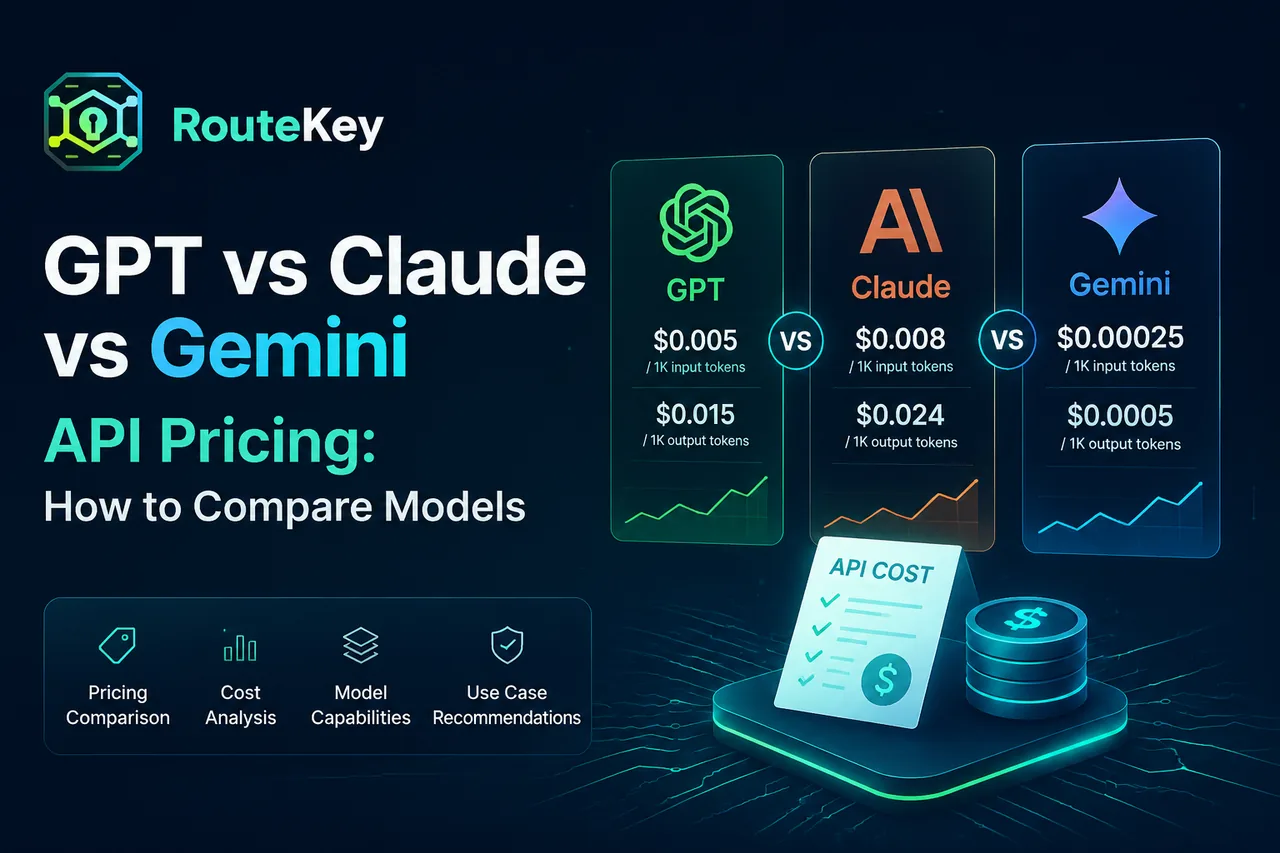
GPT, Claude, and Gemini pricing tables look similar at first glance, but the cheapest headline number is not always the cheapest production route. Input tokens, output tokens, cached context, context length, endpoint support, and retries all change the final bill. This guide gives you a consistent way to compare the three model families before choosing a default.
Compare the same unit first
Normalize every provider price to the same token unit, usually one million input or output tokens. Keep input and output separate. A chat application with short prompts and long answers is dominated by output price, while retrieval or document analysis can be dominated by input price.
The Route Key pricing catalog exposes these signals together with billing groups and endpoint support. Use the catalog as a comparison surface, then confirm the provider's current terms before a large purchase.
Input and output are different workloads
Input tokens include instructions, conversation history, retrieved documents, and tool results. Output tokens include the generated answer and any structured arguments. Two models can have the same input price but very different output prices, which matters for reports, code generation, and long-form content.
Estimate a complete task using a measured prompt and expected answer length. A price comparison based on one input token number will miss the part of the bill that grows with user demand.
Include cache pricing in repeated workflows
Coding assistants and support agents often send the same system policy or repository context repeatedly. If a model supports cached input, place stable context consistently and measure cache reads. A cached token price can change the ranking between GPT, Claude, and Gemini for a long context workflow.
Cache behavior varies by endpoint and provider. Treat it as an observed signal, not a guaranteed discount, and include cache misses in your estimate.
Compare capability and context, not only price
The right model depends on the task. A lower-cost model may be ideal for extraction, classification, or short support replies. A reasoning or coding workload may justify a higher-priced model if it avoids retries and manual review. Compare context window, tool calling, structured output, vision, audio, and streaming support alongside price.
An endpoint that does not support the feature your application needs is not a cheaper option. Filter by endpoint and capability before running a benchmark.
Use a small benchmark set
Build a test set of real prompts, including easy, average, and difficult examples. Record answer quality, input and output tokens, latency, error rate, and cost per successful result. Run the same set through each candidate model and keep temperature and output limits consistent.
Do not compare a short answer from one model with a long answer from another without checking whether both completed the task. Quality review is part of price comparison.
Route by task class
After the benchmark, define a policy instead of one universal winner. Route routine tasks to a cost-efficient model, complex reasoning to a stronger model, and failed or overloaded requests to a fallback. An OpenAI-compatible gateway lets you keep the application request shape while changing this policy behind the base URL.
Read the integration guide for the base URL, API key, and first request, then verify each route in Usage Logs. The developer docs cover request formats and compatibility details.
Build a comparison worksheet
For each candidate, create one row for the exact model ID and record the following fields: input price, output price, cached-input price, context limit, endpoint, average input tokens, average output tokens, successful tasks, retries, median latency, and total observed cost. Add a notes column for quality failures that a numeric score may hide.
Calculate expected task cost from observed token counts rather than an artificial fixed prompt. Then calculate successful-task cost by including failed requests and retries. This worksheet prevents a model with a good unit price but poor completion rate from winning the comparison.
Test price changes as configuration changes
Model aliases can point to new versions, and group or channel multipliers can change the effective price. Pin an exact model ID when reproducibility matters, keep a dated copy of the comparison, and alert on a meaningful change in cost per task. When you adopt a new model, change only the route first; prompt tuning can happen in a separate experiment.
For a production rollout, begin with internal traffic or a small percentage of eligible requests. Define a quality threshold, latency threshold, and maximum cost before the test starts. That turns a subjective provider debate into a measurable decision.
FAQ
Which is cheapest, GPT, Claude, or Gemini?
There is no universal answer. The cheapest option depends on input and output mix, caching, model capability, endpoint, and retry behavior for your task.
Should I use one provider for reliability?
One provider can simplify operations, but a fallback across supported models or channels reduces the risk of an upstream outage. Test the fallback quality before enabling it.
How often should I refresh a comparison?
Refresh when a provider changes a model, price, endpoint, or quota rule, and review production Usage Logs regularly. Keep a dated benchmark so changes are visible.